Showing posts with label Wi. Show all posts
Showing posts with label Wi. Show all posts
Thursday, October 9, 2014
How to Turn On Wi Fi Direct on LG Optimus G Pro
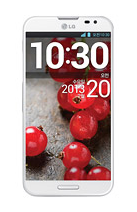
In case you dont know what is the use of the Wi-Fi Direct, Wi-Fi Direct will let your device connect directly to other devices that is also Wi-Fi enabled without an access point. You can directly transfer data between the devices connected to each other with reduced setup. Since the Wi-Fi Direct may consume a high battery usage, so it is recommended that you plug your phone into a power outlet while using it.
To turn On your Wi-Fi Direct:
To turn On your Wi-Fi Direct:
- Tap on the Home icon, then the Three Horizontal Line or Settings.
- Select System Settings, then More.
- Tap on Wi-Fi Direct. (A blue check will appear once activated.)
- If you want to create a group, then tap Create Group.
- If you want to search more devices, then tap Search.

Wednesday, October 1, 2014
How to Turn Huawei Ascend G615 a Wi Fi Hotspot
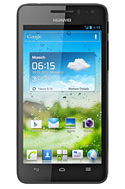
1. On your devices homeLcd touch
 .
.2. Go to Settings.
3. In the Wireless & Networks section, touch More...
4. Then select on Tethering and portable hotspot.
5. And select the Portable WiFi hotspot check box to share your mobile network.
If you want to secure or change your wifi hotspot name, just touch on Configure Wi-Fi hotspot.
Tuesday, September 30, 2014
How to Turn On Off Wi Fi on Alcatel One Touch 993D
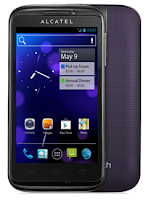
Follow these steps on how to connect to your wireless network:
• On your Home Lcd, tap on the Menu key.
• Select on Settings.
• You will see a Wi-Fi option, beside on the Wi-Fi, just switch whether on/off.
• Tap on Wi-Fi, there should a detailed information of detected wireless networks.
• Tap on the network you want to connect with.
• If the network is secured with a password, make sure to enter the password correctly.
• Then tap Save.
Subscribe to:
Posts (Atom)